
Do this on a phone, not on the computer you set the Program up on. What you are checking is the thing a customer does, and they will not be at a desk.
- Point your phone camera at your printed QR code, exactly as a customer would.
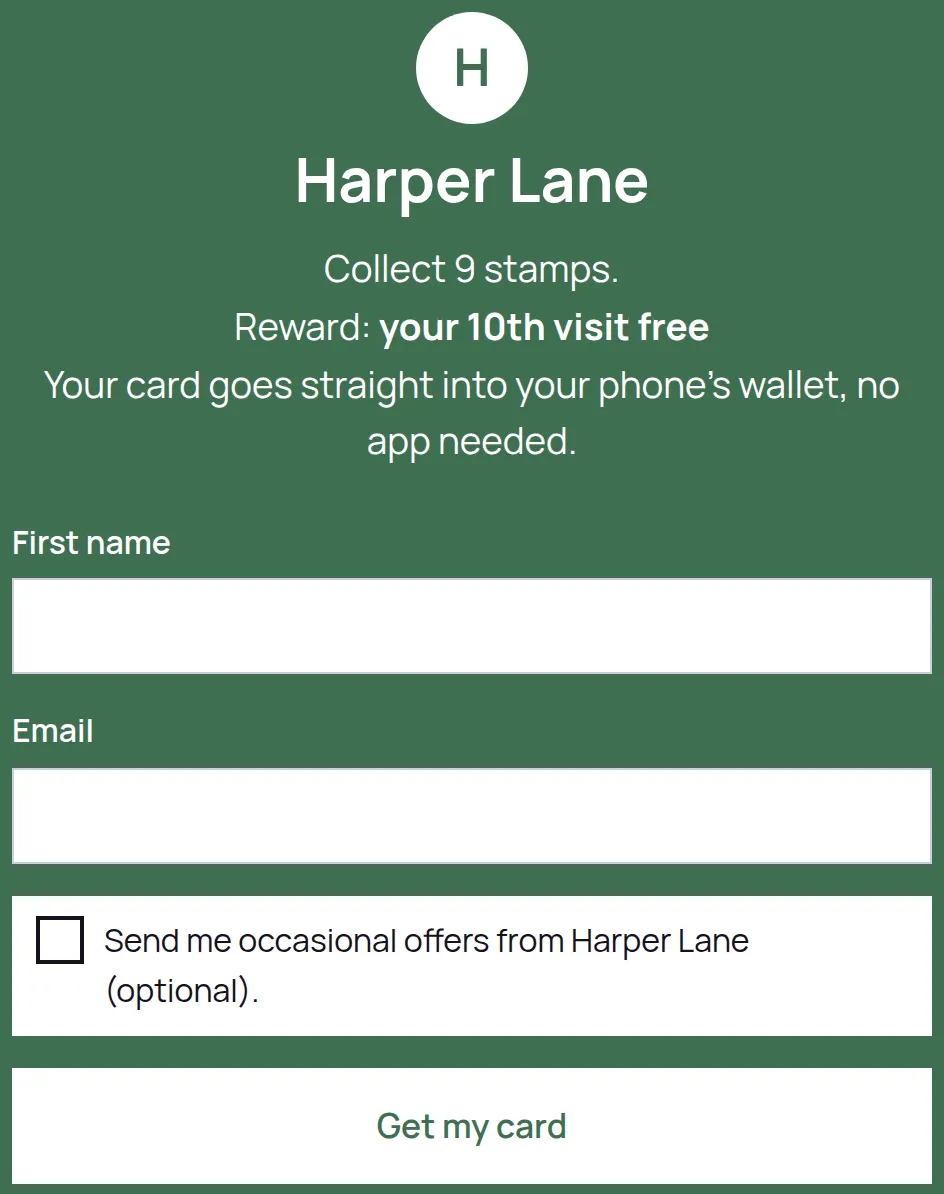
- Check the page that opens: your business name, your logo, and the right reward wording.
- Fill it in with an email address you can open, and tap Get my card.
- Add the card to Apple Wallet or Google Wallet, and look at the card page as well.
- Open LoyalPack App on another device, scan your own card, and add a stamp.
- Check the count moved on your phone.
What to look for
- Does the QR read from the distance a customer will actually stand at?
- Is the reward wording the one you would say out loud?
- Did the stamp appear on your phone after you scanned it?
Your test sign-up is a real customer record and counts towards your plan, so use one email address rather than a different one each time. On a Program that collects no email address, every test tap is a new customer record, so tidy up as you go.