
There is no app for your customers to download. They scan, type two things, and the card is theirs.
What they do
- They point the phone camera at your QR code and tap the link that appears.
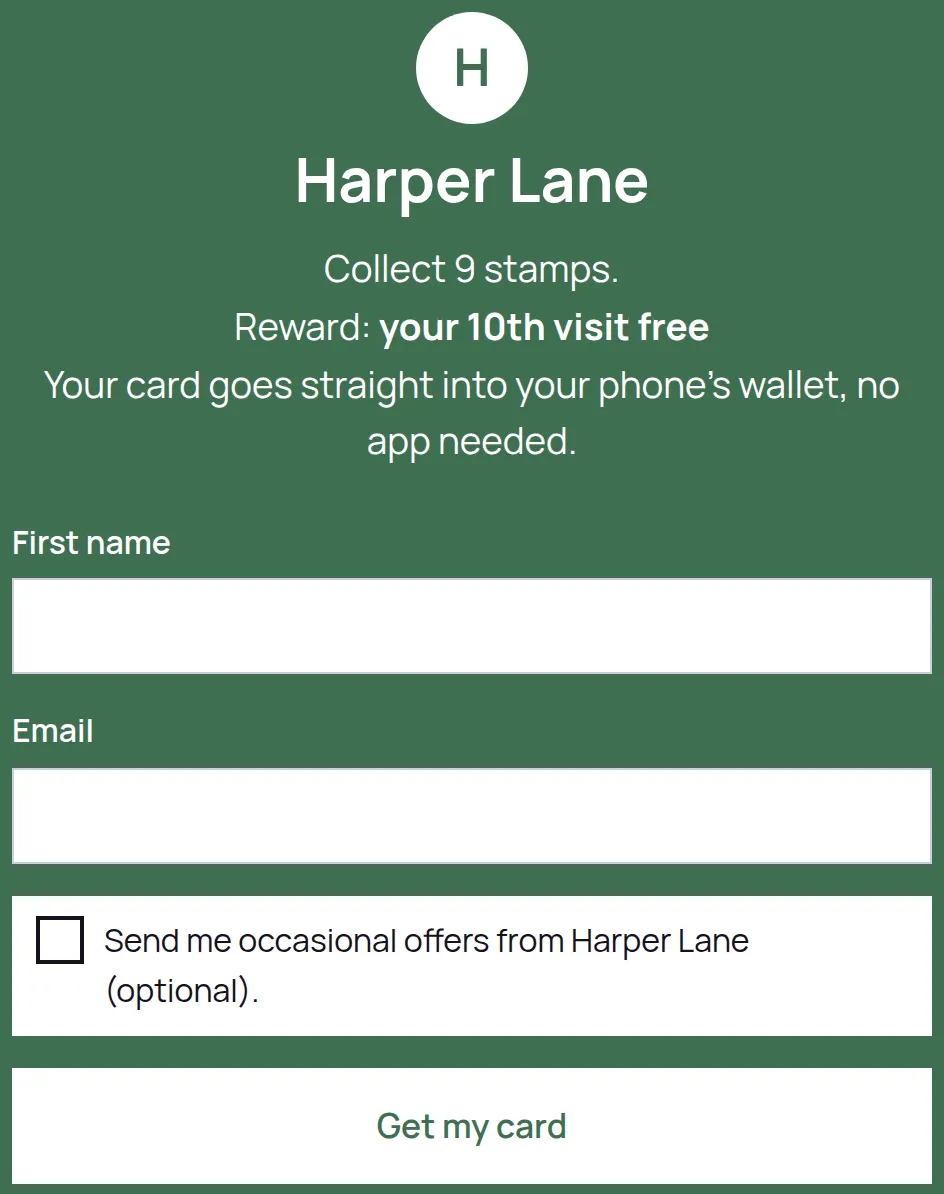
- On the sign-up page they fill in First name and Email. There is nothing else to fill in.
- They tap Get my card.
- Their card opens, with the stamp progress on it and their own QR code.
- They tap Add to Google Wallet and follow the save screen Google shows them.
The card then lives in Google Wallet, and they show it at the counter for a stamp.
If they would rather not use Wallet
Some customers will not want another pass in Wallet, and that is fine. The card page itself is their card and works exactly the same at the counter: it has the QR code you scan and the running stamp count. Tell them to bookmark it, or add it to the home screen from the browser menu, and it opens in one tap.
If they lose the page
They scan your QR code again and sign up with the same email address. LoyalPack recognises them and takes them back to the card they already have, stamps included. It does not create a second card. On a Program that does not collect an email address, signing up again is a new blank card, so ask them to keep the pass in their wallet.
A LoyalPack card is a loyalty card and nothing else. It holds no money and takes no payment, so there is nothing for a customer to worry about adding it.