Digital Loyalty Cards for local businesses
Loyalty stamp cards in Apple Wallet and Google Wallet.

See how LoyalPack helps turn first-time visitors into regulars.
Two minutes on what your customers do, what your staff do, and what you get to see.
LoyalPack explained in two minutesThe video is being prepared and will play here.
Everything a loyalty card needs, in the wallet they already have
Apple Wallet and Google Wallet
The card lives beside the bank cards and tickets your customers already carry, a swipe from the lock screen.
No customer app
Nothing to download and no password to remember. One scan of your code, a name and an email, and they are in.
Scan and stamp in seconds
Staff scan the card with LoyalPack App on the phone they already have, check the name and add the stamp.
 The Corner ShopStamps3/8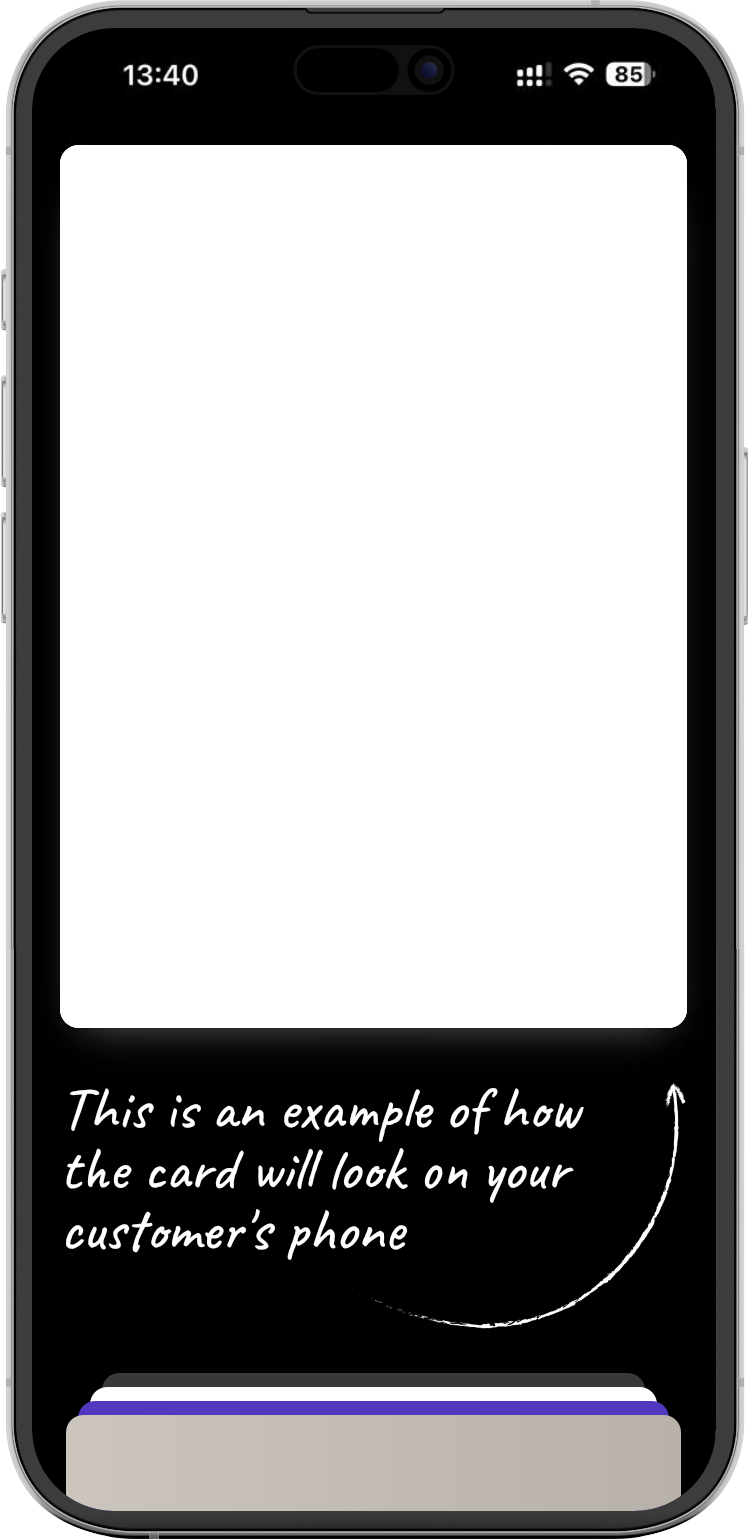
The card updates itself
Stamp a card at the counter and the copy in the customer's wallet catches up, so what they hold is never the old one.
Bring them back
Send a message or an offer to the cards in their wallets, and a reminder to the regulars you have not seen for a while.
See what loyalty is doing
Who joined, who came back, every stamp given and every reward spent, for each Loyalty Program you run.
How it works
Three steps for your customer, and none of them involves an app store.
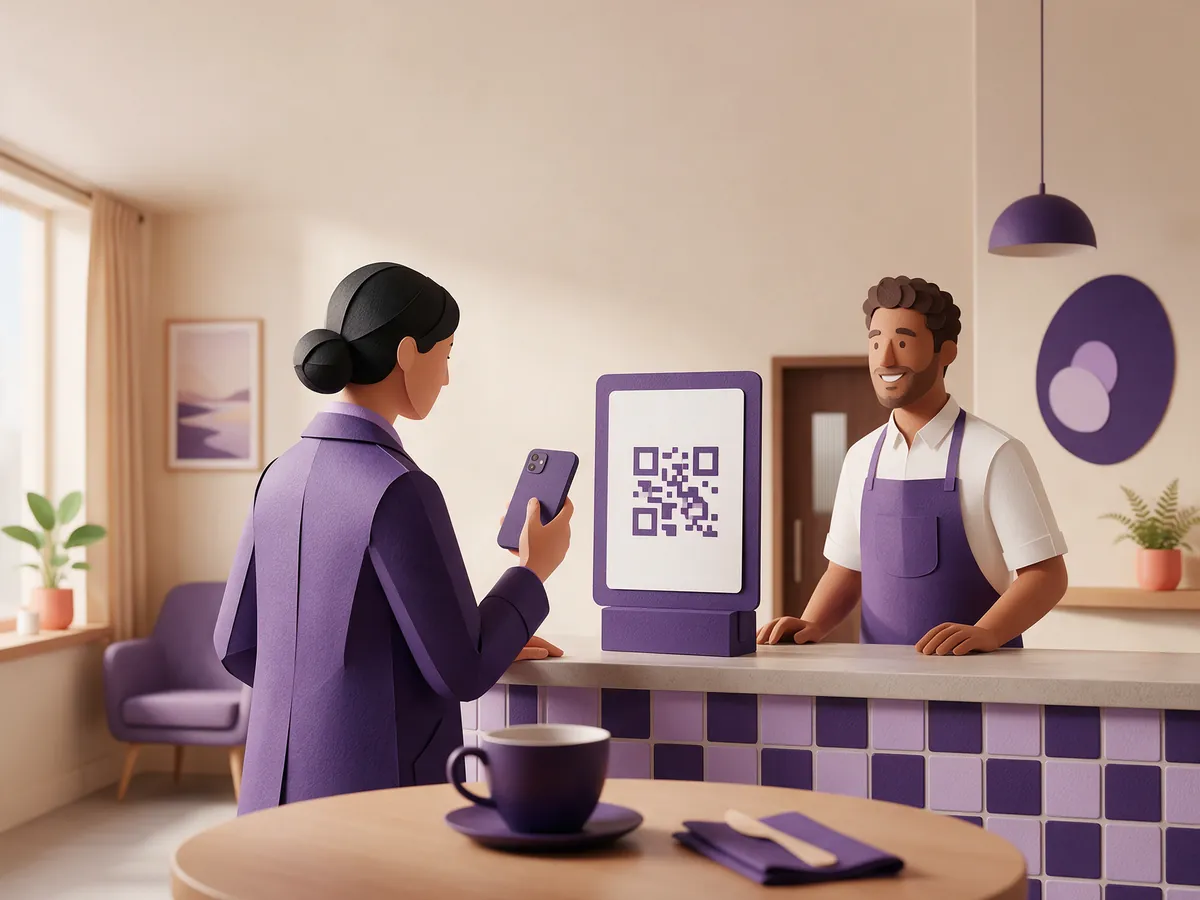
They scan the code on your counter
One scan opens your sign-up page, wearing your name, your logo and your colour. They give a first name and an email, and that is the whole sign-up.
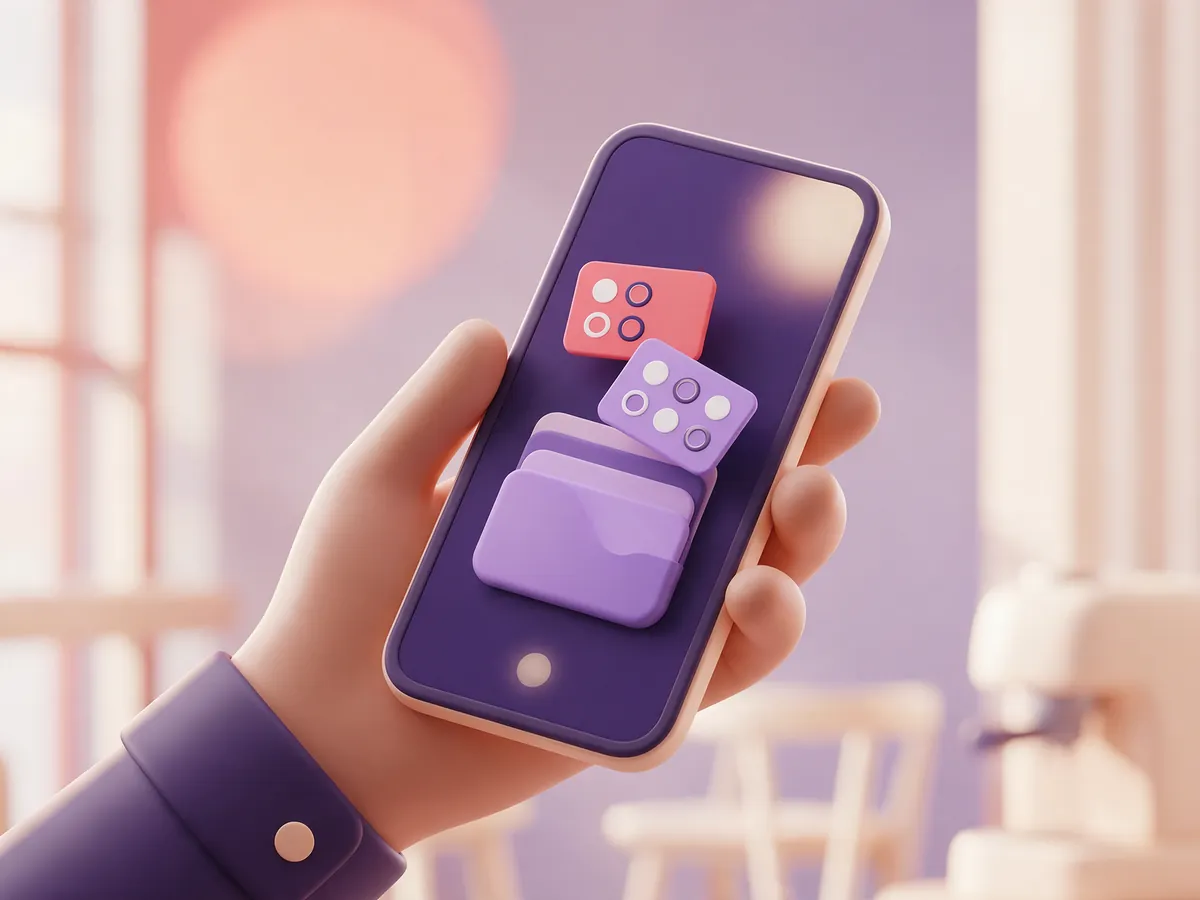
The card lands in their wallet
Apple Wallet or Google Wallet, in a couple of taps. If their phone will not take it, the same card works as a web page they can keep.
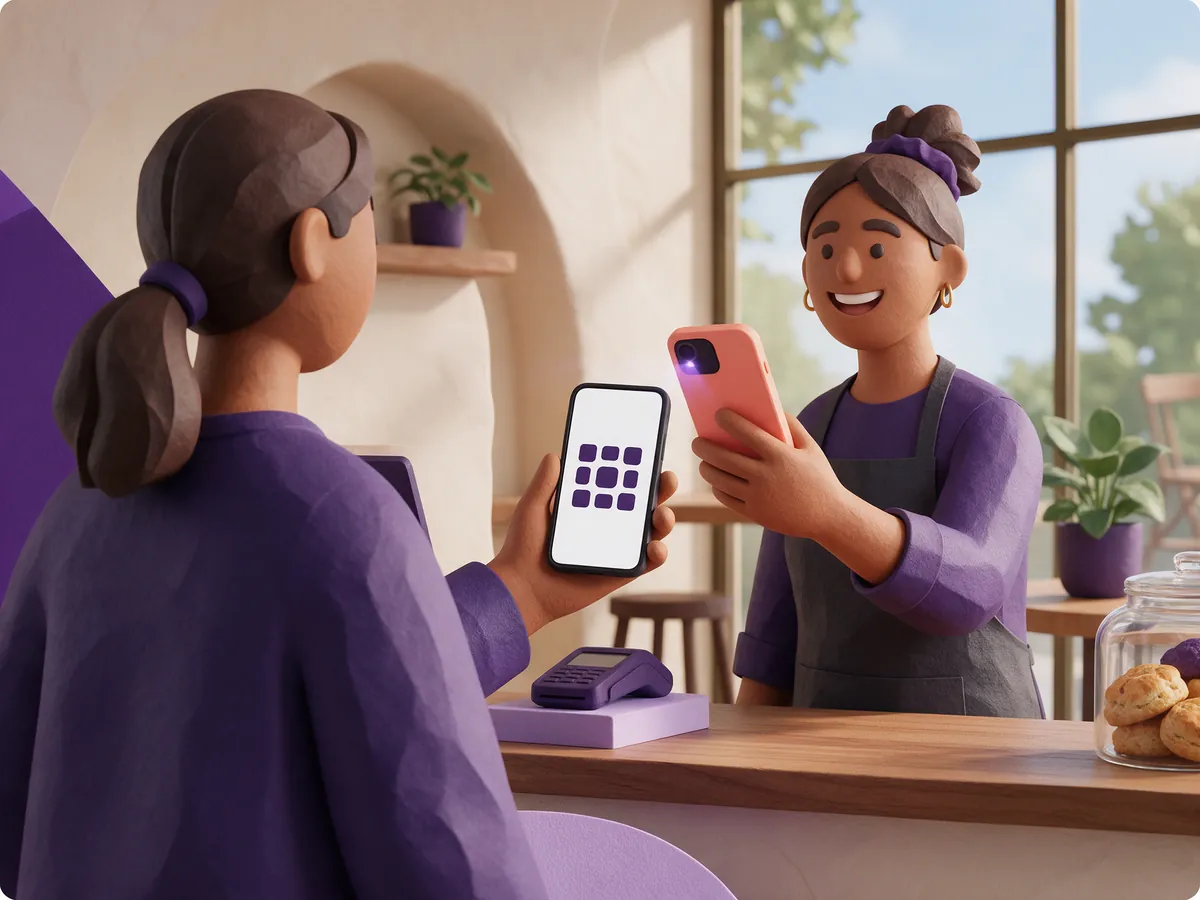
They show it, you stamp it
The card is a swipe from their lock screen, and the stamps they have collected are on the front of it.
Full control over the design of your card
Upload your logo, pick your stamp icon, and set your background image or colour
Your colour and your logo
Set the brand colour once and the card, the sign-up page and your posters all follow it. Add a square brand icon and a wide logo so the card looks right in both wallets.
Choose the stamp mark
Pick from a library of marks or upload your own. Choose what an empty space looks like too: a faded mark, an outline, a dotted frame or a plain number.
Put a picture behind the stamps
Use one of the ready-made background collections, grouped by trade, or your own photograph. One slider keeps the stamps readable over it.
See it before anybody else does
The preview is the real card renderer rather than a mock-up, so what you approve is exactly what lands in your customer's wallet.




See your card before you decide
No account, no email address, and nothing to download.







Everything that comes with your loyalty card
No customer app, just the features local businesses need.
- Apple Wallet and Google Wallet cards
- Web cards for other phones
- Live stamp updates
- QR and link enrolment
- Custom enrolment fields and consent
- Custom stamp targets and rewards
- Birthday rewards and messages
- App scanning and manual codes
- Single or multiple stamp awards
- Spend or bank rewards
- Manual stamp awards
- Up to 10 Loyalty Programs
- Staff accounts and permissions
- Custom logos, colours and artwork
- Live card redesigns
- Group customer messaging
- Automatic updates and reminders
- Fixed and roaming locations
- Location and trading-day alerts
- Program and location reporting
- Individual customer card records
- Filterable Audit Log and CSV export
- Printable counter and table materials
- Social sharing links
Apple Wallet and Google Wallet, no customer app
This is the part that makes people keep the card. It sits with the bank cards and the travel tickets, it is a swipe from the lock screen, and there is no password to forget because there is nothing to log in to.
- It updates itself. Stamp a card at the counter and the copy in the customer's wallet catches up, so what they are holding is never the old one.
- Everybody else gets a card too. Any customer who cannot use a wallet gets a web card on a private link. It refreshes while they hold it and scans exactly the same at the counter.
- It is a loyalty card and nothing else. No payments, no balance, no contactless. It carries your stamps, your reward and your branding.
One card, three places: the design you approve goes to Apple Wallet, to Google Wallet and to the web card, drawn by the same renderer from the same definition. A customer with an iPhone, a customer with an Android phone and a customer with neither all see the same card, and it is the one you signed off.
At last, you can see what loyalty is doing
A paper card tells you nothing once it leaves the counter. This tells you who joined, who came back, and what it gave away.
- Customers. Everybody on your programme: when they joined, how far along they are, and whether they put the card in a wallet.
- Stamps and rewards. Every stamp and every reward spent with its date, so a busy week is something you can look at rather than something you remember.
- Activity over time. A plain chart of scans on your dashboard, per Loyalty Program, with filters when you want a closer look.
- More than one card. A second location or a second offer can have its own Loyalty Program, its own design and its own numbers.
Example
- Customers248
- Stamps given1,904
- Rewards spent186
The counts your own dashboard keeps, for one Loyalty Program.
Try before you buy
Try every feature free with your first 25 customers. When you want more, Pro removes the limit. One paid plan, and no setup fee.
Free
£0up to 25 customers
- Up to 25 customers
- Up to 10 Loyalty Programs
- Up to 10 people on the account
- Apple Wallet, Google Wallet and web cards
- The whole card designer
- Scanning, stamping and rewards
- Messages, reports and printable signs
For a growing programme
Pro
£29per month ex VAT
- Unlimited customers
- Everything on Free
Or £319/year ex VAT. Eleven months paid, twelve months of Pro.
Both plans include every feature. Try LoyalPack with your first 25 customers, with no card details needed. Pro removes the customer limit. Prices exclude VAT. Card payments are handled by Stripe, and you can cancel from your account at any time.
The questions everybody asks
Do my customers have to download anything?
No. The card goes into the wallet already on their phone, and anyone whose phone will not take it gets a web card on a link instead. There is no LoyalPack app for customers, and there is not going to be one.
How long does it take to set up?
The card itself takes a few minutes. After that it is one code to print or share, and you are taking sign-ups.
What do I need at the counter?
A phone with a camera, and a member of staff signed in. No reader, no tablet, no till integration.
What happens when a customer fills their card?
Staff spend the reward with the customer there, and the card starts again from empty. Nothing is given away without that confirmation.
Can I change the design after people have joined?
Yes. Change the colour, the mark or the artwork whenever you like, and the cards already out there pick it up.
What do you keep about my customers?
A first name, an email address and their stamps, which is what running the card needs. The customers are yours, and marketing consent is a separate, optional tick on the sign-up form.
Can more than one of us use it?
Yes. Invite your team, and each person signs in as themselves rather than sharing one login behind the counter.
Is this only for one kind of business?
No. If you have regulars, it fits: shops, salons, barbers, hospitality, garages, groomers, studios and service businesses all run the same stamps and rewards.
There is more detail, with pictures, in the support guides.
Your loyalty card could be live this afternoon.
Design it first and decide afterwards. Nothing is asked of you until you want an account.