
What each one takes
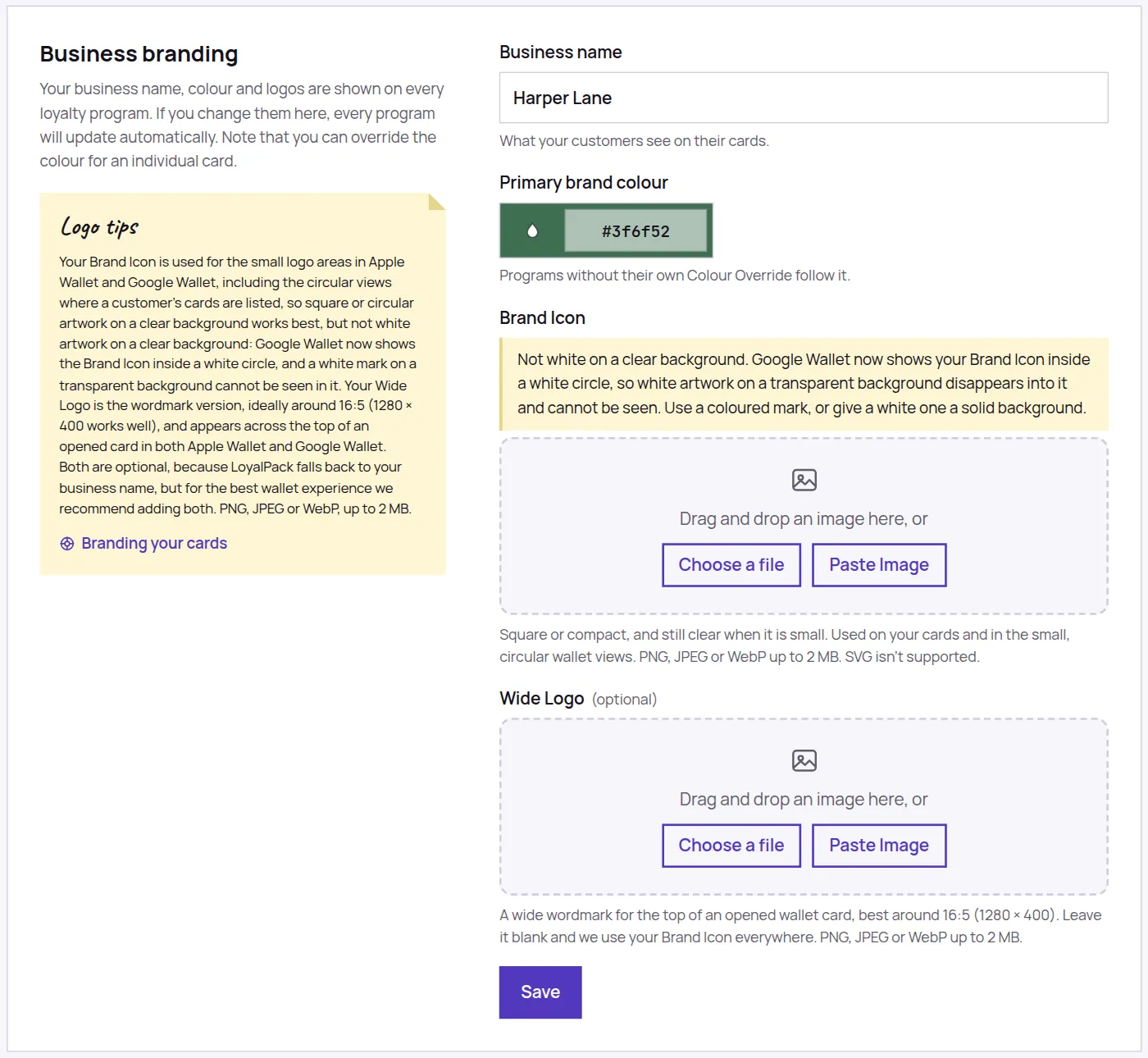
- Your logo, under Settings then Brand: PNG, JPEG or WebP, up to 2 MB.
- A card background, on the Card Design tab: PNG, JPEG or WebP, up to 5 MB.
- SVG is not supported for either.
The one that catches people out
LoyalPack checks what a file actually is, not what it is called. Renaming a photo to end in .png does not make it one, and it will still be refused.
This bites most often with photos straight off an iPhone, which are often HEIC rather than JPEG. Either set the camera to Most Compatible in your phone settings, or open the photo and take a screenshot of it, which gives you a PNG.
The Take photo button on a phone or tablet usually sidesteps this, because a picture taken through it is generally handed over as a JPEG rather than as the HEIC sitting in your camera roll. If one is refused anyway, the two fixes above still apply.
Take photo also sidesteps the size problem, which is the more common one with a camera: the picture you fit in the window is shrunk to what the slot actually uses before it is uploaded, so it arrives well inside the limits above. Uploading the same photo straight from your camera roll does not go through that step, and may still be too large.
If the file is too big
Any photo editor will resize it, and so will taking a screenshot of it on a phone. A logo does not need to be large: it is shown at about the size of a postage stamp on a card.
If you have tried several times in quick succession you may be asked to wait a moment. Give it a minute and try once more.